The most repeated advice about meta descriptions is also the least useful: write one for every page, keep it short, add a keyword, and move on.
That advice ignores the reality that Google rewrites a large share of meta descriptions. If you’ve ever spent hours polishing snippets only to see different text in search results, your frustration is justified. According to Google’s guidance on snippets, Google rewrites ~63-70% of descriptions based on query relevance. That changes the job.
A good SEO workflow in 2026 isn’t “write metas everywhere.” It’s: decide where manual effort is worth it, write descriptions that have a better chance to stick, and make sure the page itself gives Google strong fallback text when it doesn’t. On WordPress sites, that often means pairing editorial judgment with automation so you’re not wasting time on low-impact pages.
If you want a system that treats metadata as part of a continuous SEO workflow instead of a one-time task, tools built for WordPress SEO operations point in the right direction. The principle matters more than the product: write deliberately, prioritize ruthlessly, and measure clicks, not effort.
Table of Contents
- Your Guide to Writing Meta Descriptions in 2026
- What Is a Meta Description and Why It Still Matters
- Crafting Your Meta Description a Practical Guide
- Meta Description Best Practices and Winning Examples
- Testing and Optimizing for Higher Click-Through Rates
- Automating Meta Descriptions with AI and WordPress
- Frequently Asked Questions About Meta Descriptions
Your Guide to Writing Meta Descriptions in 2026
Writing a meta description still matters. Writing one blindly for every page doesn’t.
The practical question isn’t whether meta descriptions exist. It’s where they deserve attention. If Google may replace your copy for many queries, the value comes from focusing on pages where snippet control affects revenue, lead quality, or brand perception. That usually means commercial pages, branded pages, high-impression pages with weak click-through rates, and content targeting specific long-tail intent.
Practical rule: Treat meta descriptions like ad copy for organic search, not like a box to fill in your CMS.
That shift changes how to write a meta description. You stop chasing a universal formula and start asking better questions. Is this page important enough to warrant a custom description? Is the query intent stable enough that your copy might show? If Google rewrites it, does the page still contain a strong sentence it can pull from?
The best teams work in layers. They write a strong custom meta for priority URLs, improve on-page copy so rewritten snippets still sound good, and review performance in Search Console instead of assuming the first draft is final. That’s the workflow that holds up in real SEO work.
What Is a Meta Description and Why It Still Matters
A meta description is a short piece of HTML that suggests what search engines may show under your title in the results. It usually does not appear on the page itself. Its job is straightforward. Help a searcher decide whether your result matches what they need.

The meta description functions like ad copy for your organic listing
Junior SEO hires often treat the meta description as a field to complete in a plugin. That habit produces filler. The better approach is to write it as search result copy that has one job: make the right click more likely.
The title usually earns the first glance. The description supports it by adding context, clarifying the offer, and filtering out the wrong visitor. If the copy is generic, duplicated, or disconnected from intent, the listing looks weaker even when the page ranks well.
The catch is practical, not theoretical. Google rewrites many snippets, so writing every meta description by hand is a poor use of time on large sites. That does not make the field irrelevant. It changes how teams should use it. Manual effort belongs on URLs where a better snippet can affect revenue, lead quality, or brand perception. For lower-priority pages, a sensible template and stronger on-page copy usually do more than handcrafting thousands of descriptions.
Where custom descriptions still win
Custom meta descriptions still earn their keep on pages where the message needs precision:
- Core service pages: Similar titles often crowd the results. The description gives you room to state the differentiator.
- Product and category pages: Shoppers want specifics such as selection, pricing cues, shipping, or use case fit.
- Branded landing pages: Searchers already know the company. Clear messaging helps capture that demand cleanly.
- Evergreen pages with stable intent: If the query means the same thing month after month, targeted copy has a better chance of staying relevant.
There is also a WordPress reality here. Many sites have hundreds or thousands of URLs that do not justify line-by-line writing. In those cases, use custom metas for priority pages, automate the rest with rules, and make sure key sentences on the page are strong enough to stand alone. If Google pulls snippet text from the body instead, the result can still read well.
That is why meta descriptions still matter. They do not give full control over the snippet. They improve your odds on the pages that matter, and they shape the source material search engines may pull from when your suggested copy is not used.
Crafting Your Meta Description a Practical Guide
The easiest way to write weak meta descriptions is to start in your SEO plugin. Start in the search results instead.
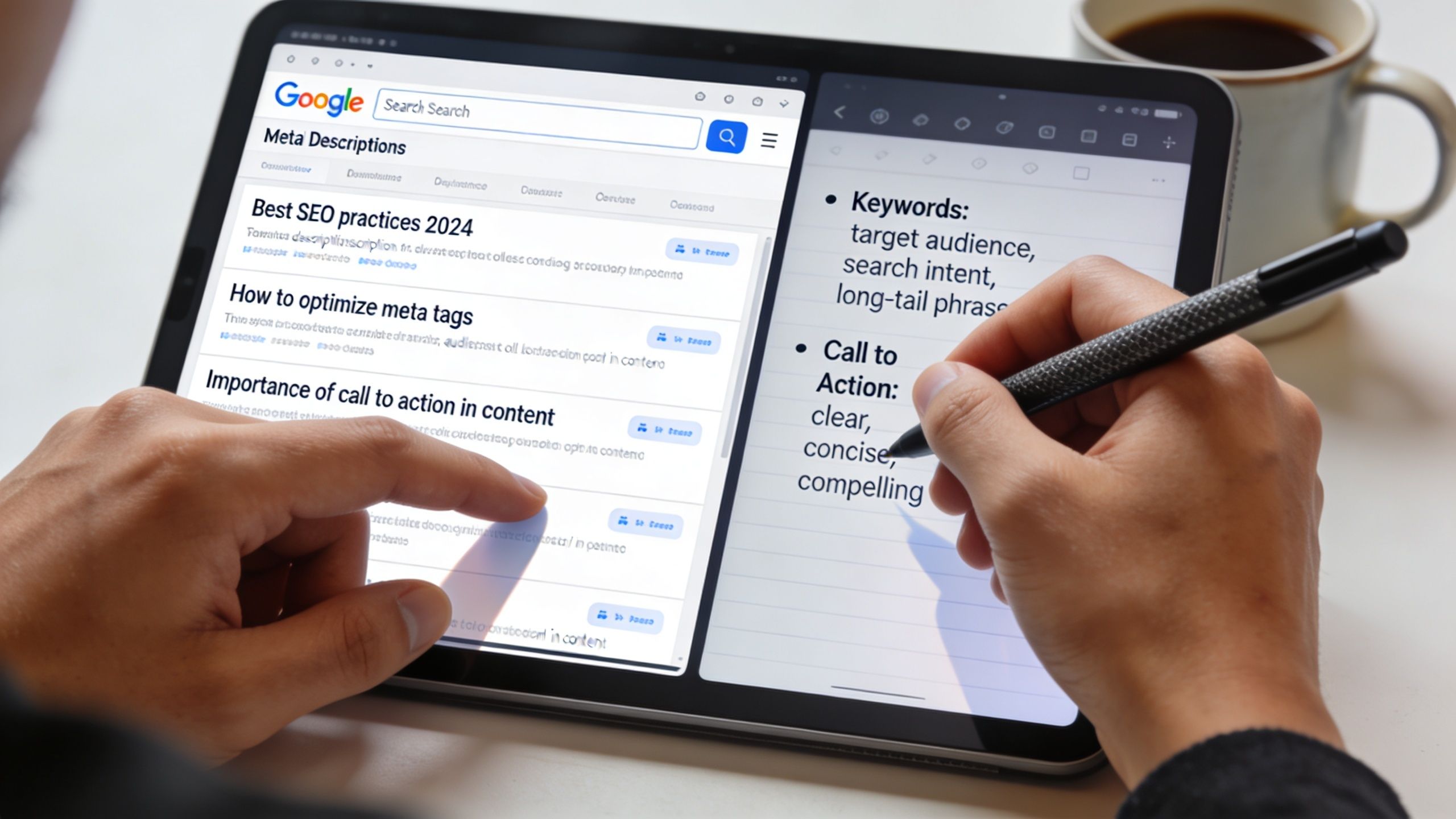
Start with the live SERP
Say you’re writing a meta description for a page targeting “WordPress maintenance services.”
Search the term. Read the top results. Ignore ranking theory for a moment and study the snippets like a copywriter. Are they promising speed, security, support, peace of mind, or pricing clarity? Are searchers being offered a checklist, a service plan, or emergency help?
This gives you the brief. If the SERP is full of service-driven copy and your meta reads like a blog summary, it won’t pull clicks even if it’s technically “optimized.”
Use this quick check:
- Match the intent category: informational, commercial, transactional, or navigational.
- Note repeated promises: uptime, response speed, audits, support, migrations.
- Find your angle: what your page offers that the others don’t state clearly.
Build the sentence around relevance and action
Now add the target phrase naturally. Don’t force exact-match wording if it makes the line stiff. Searchers need to understand the offer immediately.
A weak version:
“WordPress maintenance services for businesses looking to improve website performance and security.”
That says the topic. It doesn’t sell the click.
A stronger version:
“Keep your WordPress site secure, updated, and fast with expert maintenance services. Compare plans and get reliable ongoing support.”
The second version does three things better:
- It leads with the outcome
- It names the offer plainly
- It gives the searcher a next step
Write for the person scanning five similar results on a phone screen. Clarity beats cleverness.
Here’s a useful walkthrough if you want to compare your approach with another practitioner’s process:
Use a simple drafting framework
When teams ask me how to write a meta description consistently, I give them a plain framework:
- Lead with the payoff: Start with the benefit, solution, or result.
- Ground it in the page topic: Include the keyword or a close variant naturally.
- Finish with an action cue: “Compare plans,” “Learn how,” “Book a demo,” “Get pricing.”
For the same example, you might draft three options:
- Benefit-led: Keep your WordPress site secure, updated, and fast with managed maintenance services. Compare plans and choose the right support.
- Pain-point-led: Tired of plugin issues, slow load times, and update risk? Get WordPress maintenance services that keep your site running smoothly.
- Decision-led: Compare WordPress maintenance services for updates, backups, security, and support. Find the plan that fits your site.
That’s the primary workflow. Look at intent, draft to the click, and choose the version that best reflects what the page delivers.
Meta Description Best Practices and Winning Examples
Most “best practices” lists mix useful rules with folklore. The rules that hold up are the ones tied to how snippets display and how people scan results.
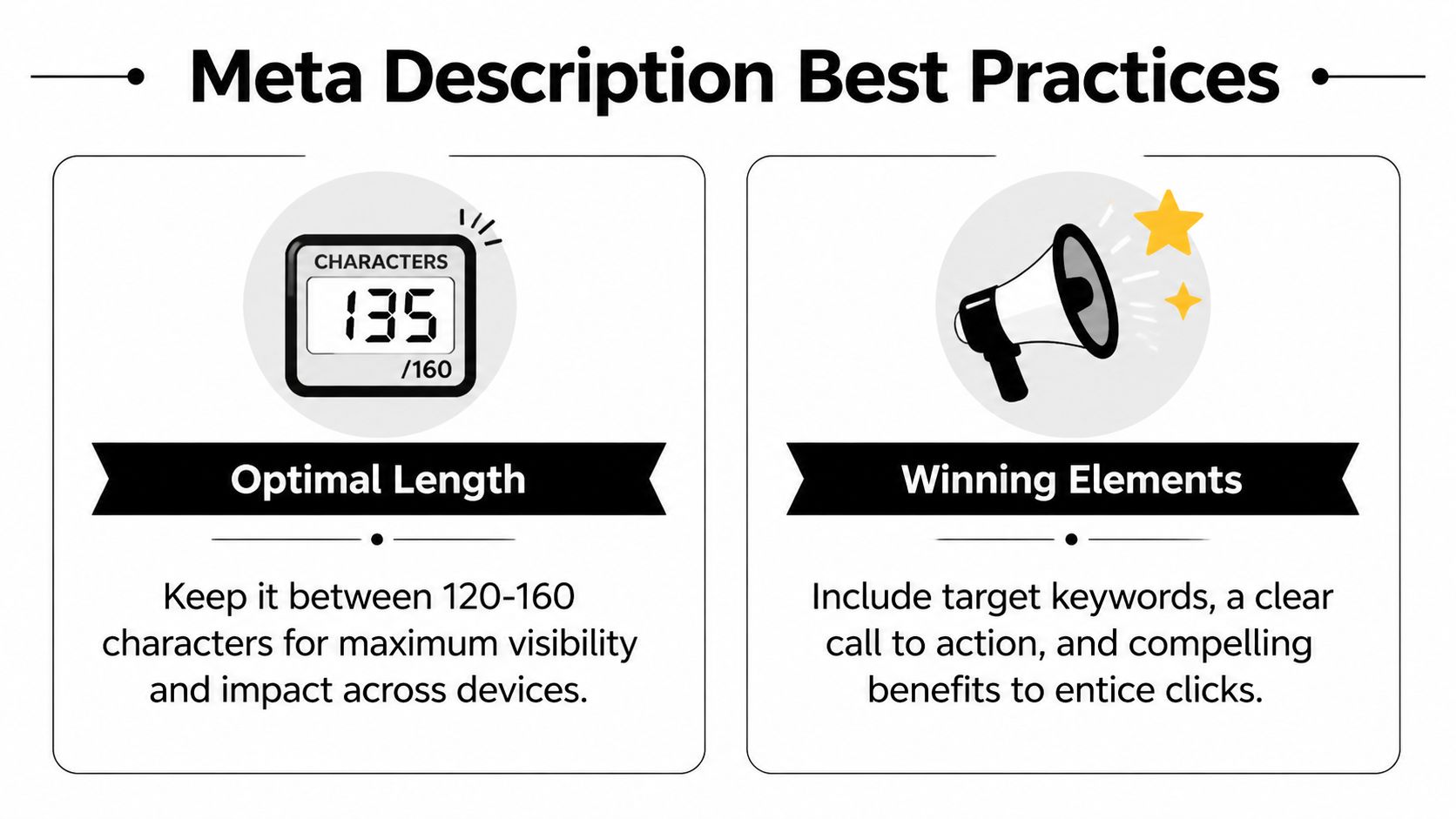
Length rules that still matter
The safest target is 120-160 characters. Galactic Fed’s guide to meta description length notes Google expanded snippets to 320 characters in 2017, then reverted in 2018 to support mobile-first SERPs, where truncation often happens around 120 characters. That’s why the old “just write longer copy” advice doesn’t hold up well now.
Don’t treat character count as the whole game, though. Search results display by available space, not by your intentions. If your key benefit or CTA sits at the end, it’s the first thing likely to disappear.
What strong descriptions have in common
Good descriptions usually share the same traits:
- They start with substance: The first words carry the value proposition.
- They reflect intent: The copy sounds like the page the searcher wants.
- They use active language: “Compare,” “shop,” “book,” “learn,” and “see” outperform passive summaries.
- They stay specific: Generic language invites rewrites and weak clicks.
- They avoid duplication: One size fits nothing in SEO.
Here’s a practical reference table.
| Do | Don't |
|---|---|
| Lead with a clear benefit that tells the searcher why the page is useful | Lead with the brand name unless the query is primarily branded |
| Use 120-160 characters so the important part is more likely to stay visible | Use overly long copy that hides the CTA or main value |
| Include the target phrase naturally when it supports relevance | Stuff keywords into an unreadable sentence |
| Write in active voice with a concrete next step | Write a flat summary that sounds auto-generated |
| Make each page distinct based on its actual offer | Reuse templates everywhere with only one noun changed |
A few good-versus-bad examples help more than theory.
| Page type | Better | Worse |
|---|---|---|
| Ecommerce category | Shop running shoes for daily training, racing, and trail use. Compare top styles and find the right fit. | Running shoes, running shoes for men and women, best running shoes online store and more. |
| B2B SaaS feature page | Track leads, automate follow-up, and keep your pipeline moving with CRM software built for growing teams. | Our CRM software page explains features, benefits, tools, functions, and solutions for businesses. |
| Blog post | Learn how to write a meta description that matches search intent, avoids truncation, and earns more clicks. | This blog post is about meta descriptions and includes tips, examples, and information about SEO. |
For more process-focused SEO writing examples, the DeltaLoop blog is a useful reference point for workflow-driven optimization.
Testing and Optimizing for Higher Click-Through Rates
A meta description isn’t finished when you publish it. It’s finished when performance data says it’s doing its job.
Find the right pages first
Open Google Search Console and go straight to pages with strong impressions and weak CTR. Those are your best candidates. If a page barely appears in search, a snippet rewrite won’t move much. If a page already gets clicked at a healthy rate, your time is usually better spent elsewhere.
Moz’s guide to meta descriptions notes that optimizing descriptions on high-impression, low-CTR pages can improve CTR by 10-30%, depending on the query and how well the revised copy matches user intent.
Working heuristic: Rewrite the snippet for pages that already have visibility but aren’t earning the click they should.
Run a simple test cycle
Keep the workflow tight. You don’t need a complicated experiment design to improve metadata.
- Pick one page: Choose a page with meaningful impressions and disappointing CTR.
- Write two alternatives: One can emphasize the benefit. The other can emphasize the action or differentiator.
- Publish one version: Don’t test too many variables at once.
- Monitor for a few weeks: Watch CTR, impressions, and the queries driving the page.
- Decide based on behavior: Keep the change, refine it, or roll a new version.
Junior teams often slip by rewriting descriptions based on preference, not search behavior. Good optimization starts with query intent. If people search for pricing, your snippet should address buying signals. If they search for a how-to, the snippet should promise a clear answer.
Also watch for mismatch between title and meta description. A strong title with a vague snippet creates hesitation. A sharp title paired with a sharp description improves the whole listing, not just one field.
Automating Meta Descriptions with AI and WordPress
Writing every meta description by hand sounds disciplined. On large WordPress sites, it usually turns into a slow, inconsistent process that wastes senior SEO time on low-impact URLs.
If you manage a handful of revenue pages, manual copy is still fine. If you oversee a big blog, ecommerce catalog, or several client sites, the constraint changes. Google rewrites a large share of snippets anyway, so the job is not to handcraft every description. The job is to decide where manual effort is worth it, where a rule-based draft is enough, and where no effort is justified at all.

Manual writing breaks at scale
That bottleneck is a common problem. On WordPress sites with thousands of URLs, teams usually default to thin templates, duplicate language, or empty fields because nobody has time to review every page properly. Yoast’s meta description guidance supports the underlying point. Meta descriptions still matter, but they need to be handled with a process that fits the size of the site.
Junior teams often misinterpret the role of automation. They treat it as a writing shortcut, then publish bland copy across hundreds of pages. The better use case is operational. Use AI to produce workable drafts, catch duplication, and queue the pages that deserve human review.
The right role for automation
Good automation handles triage first, drafting second.
Start by splitting your URLs into three groups. High-value pages with strong impressions or commercial intent get manual review. Mid-tier pages get AI drafts with approval. Low-value archives, tag pages, and long-tail content often need a fallback template or no custom meta description at all, especially if Google is likely to rewrite the snippet based on the query.
A practical workflow looks like this:
- Pull in performance data: Use Search Console data to identify pages where snippet control could influence clicks.
- Set page tiers: Separate money pages, traffic pages, and low-priority URLs so effort matches likely return.
- Generate constrained drafts: Base drafts on the title, H1, page type, and core page copy. Do not let the model invent claims.
- Flag duplicates and weak language: Automation is useful for QA, not just generation.
- Require approval before publishing: Editors should check accuracy, intent match, and whether the copy sounds like your site.
- Review output in batches: Category pages, product pages, and articles usually need different prompts and standards.
- Measure at the template level: If one prompt produces weak descriptions across a page type, fix the system instead of editing each URL one by one.
That approach scales far better on WordPress than writing from scratch in the post editor for every page. It also reflects how search works now. Since Google may replace your description, the win comes from improving coverage and prioritization, not chasing perfect copy on every URL.
Teams building this into a repeatable publishing process usually need shared rules, approval steps, and visibility into what changed. The DeltaLoop team and workflow approach is built around that operating model.
Frequently Asked Questions About Meta Descriptions
How long does it take Google to show a new meta description
There isn’t a fixed timetable. Google has to recrawl and reprocess the page, and it may still choose a different snippet based on the query. In practice, check indexed pages in search results and Search Console rather than assuming the CMS update means the snippet changed immediately.
Should every page have a unique meta description
Important pages should. Duplicate descriptions weaken message control and make multiple pages look interchangeable in search results. If you can’t write unique metas for every low-value archive or filter page right away, prioritize pages that drive business value first.
What should I prioritize first, title tag or meta description
If resources are tight, start with the title tag. It usually has more direct impact on how the result is understood at a glance. Then improve the meta description for pages where the extra persuasion can change the click decision.
For more about the team and product behind this workflow approach, visit DeltaLoop’s about page.
If you run WordPress SEO with a small team, DeltaLoop helps turn this into a repeatable system. It connects your site and Search Console, finds high-impact opportunities, drafts metadata and content changes with clear before-and-after diffs, and keeps human approval in the loop so you can improve organic performance without adding tool sprawl or manual busywork.
Built with Outrank app